When I started blogging, my phone was basically my office. I wrote posts on it, and sometimes even published directly from it. I still do quite a bit of blogging from my phone, although these days there are a lot more tools that make the entire process easier.
Today, different tools exist for different parts of blogging. AI can help with ideas, research, planning content, writing, editing, making images, and checking SEO. It can also repurpose old content for social media.
But then, the number of apps everywhere makes deciding what to install a little difficult. So, to help you not get overwhelmed, I’ve put together the ones I use and would consider using.

My list of best apps and AI tools for bloggers
1. WordPress
If your blog runs on WordPress, the WordPress app on your phone makes managing your site easier when you’re away from your laptop or PC.
You can create and edit posts, manage comments, and monitor your site from your phone.
Best for: Publishing and managing a WordPress blog.
2. ChatGPT and Claude
I see blogging differently since the whole AI innovation. As much as we may not want to admit, they have changed the game. Truth is, we must move with the times.
ChatGPT and Claude are currently among the most useful general-purpose AI tools a blogger can have. Give them your ideas, experiences, notes, or a rough draft, and they will help you work with what you already have.
I wouldn’t recommend using them to write your entire blog post. If you do that, you will end up with content that sounds exactly like every other AI-generated article on the internet.
As much as I love using both tools, you can try each of them and see which one fits the way you work. Always edit thoroughly and add your human touch!
Best for: ideas, research assistance, outlining, editing, and repurposing content. Also great for long-form writing, editing, and working with large amounts of text.
3. Perplexity
Sometimes, writing isn’t always the hardest part of blogging. Finding the right information you need for writing can also be difficult.
Now, this is where a research-focused tool like Perplexity comes into the picture. You can ask a question and use the sources it provides as a starting point for your research.
Perplexity is just another AI tool, and it can make mistakes! Always check the sources it provides, else you will end up dishing out inaccurate information.
Best for: Research and finding sources.
4. Google Docs
I am not fond of working directly inside the WordPress editor. I find Google Docs the simplest and safest way to write my blog posts. Until I am ready to publish, I do not move my content to the WordPress editor.
Best for: writing and storing blog drafts.
5. Grammarly
Before generative AI, we had Grammarly to help check our posts for spelling and grammar mistakes and sentence structure.
Grammarly may try to over-polish your post; I’d recommend you mix and match its suggestions. You definitely want to keep sounding like yourself.
Use it to catch mistakes, not to erase your personality.
Best for: Proofreading and editing.
6 Canva
Canva is still an ever-useful app for bloggers. It’s still the first place most of us run to for image-based social media content and digital products.
The AI features make it even more useful now, especially if you need help to generate ideas, create designs or produce visual variations.
Best for: Blog graphics, Pinterest pins, and social media visuals.
7. Adobe Lightroom App
If you take your own pictures for your blog, Lightroom is still a good app to keep around. You can adjust exposure, colour, contrast and other parts of an image. And there are lots of presets you can buy or get for free online.
Best for: Photo editing.
8. Pexels
Pexels is a platform that I absolutely adore. It gives me access to an extensive collection of stock photos for free!
While AI can generate unique photos for you, I would still keep Pexels around. It takes just a simple search to get virtually any image I want. I definitely like having an image library like this available when I need a photo for a post.
Best for: Finding stock photos for blog posts and social media.
9. Notion
Notion is useful if your blogging problem is less about writing and more about keeping track of everything you want to write. You can plan content, save blog ideas, take notes, schedule posts, and track what’s already published.
You can also use its AI features to work with the information inside your workspace. A simple list of ideas and a content calendar is enough.
Best for: Planning and organising your blog.
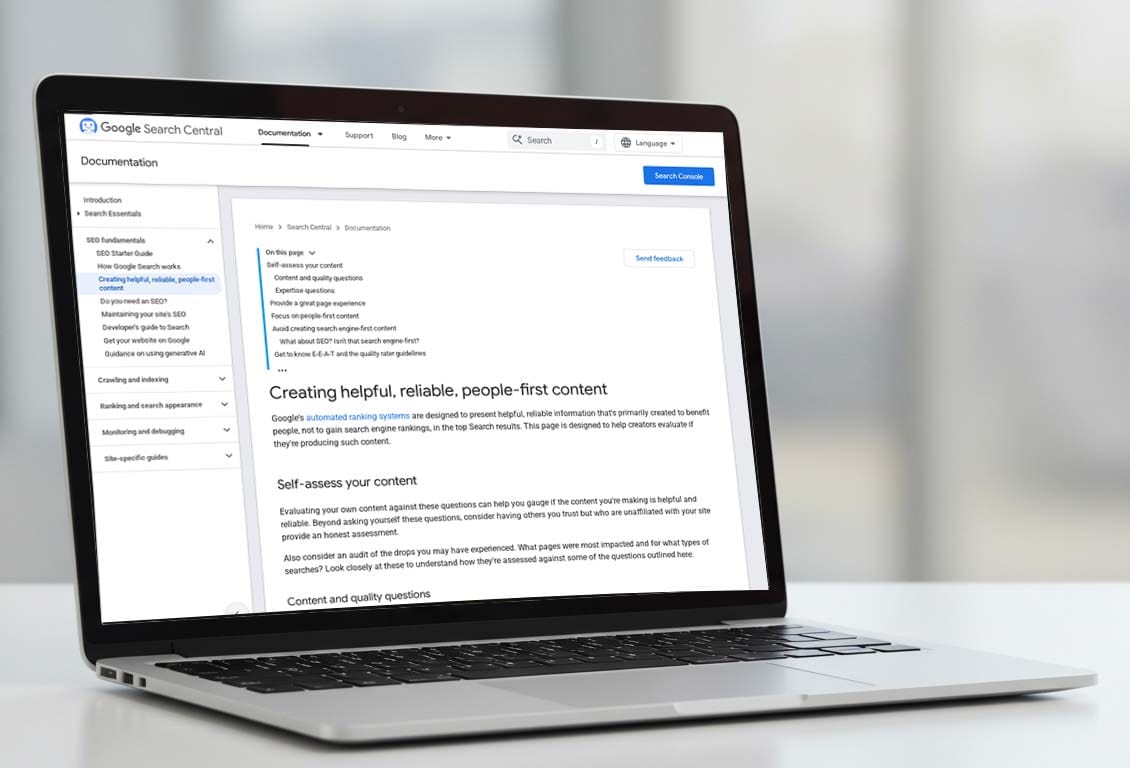
10. Google Search Console
I know, Google Search Console is almost useless to many bloggers now because of the great traffic shift and HCU that killed most blogs.
Search Console is much more than just tracking search traffic to your site. One thing I still use it for is finding content ideas and knowing what people are searching for that are related to my content. This tells me what posts have potential to generate traffic or topics I can write more on.
Best for: Monitoring Google search performance and indexing.
11. Google Analytics
Every blogger needs an analytic tool, and Google Analytics is the perfect free option. It helps you understand what happens after someone lands on your blog. You can see which pages people visit, where your traffic comes from and how visitors interact with your site.
Best for: Understanding blog traffic and visitor behaviour.
12. Pinterest
If Pinterest is not yet part of your traffic strategy, you should start paying attention to it. Pinterest is currently the go to platform for people to discover ideas, products, recipes, tutorials and other content they want to come back to later.
Pinterest can be a great traffic source for you. It’s a learning curve, but worth it. Learn how to create visually appealing graphics and push your best contents to the platform. A good pin can continue sending traffic to an article long after you publish it.
Best for: Content discovery and driving traffic to your blog.
13. Social Media Scheduling Platforms
Platforms like Buffer, Publer, Metricool are useful when you’re tired of manually posting the same content across your social accounts. You can prepare your posts ahead of time and schedule them on your favourite scheduling platform.
There are so many tools that it is hard to recommend any. But these are some suggestions:
- Tailwind App: Pinterest only
- Buffer – best price
- Metricool
- Publer – good price.
- Hootsuite – test of time.
14. Email Marketing Platforms
Your blog shouldn’t depend entirely on Google, Pinterest or social media to bring people back. Email gives you a way to stay connected with people who actually want to hear from you.
Email marketing apps like Flo, Mailchimp and ConvertKit lets you collect subscribers, send newsletters and keep track of how your emails are performing.
Current Industry favourite includes:
Best for: Building and managing an email list.
15. Video Editing Apps
Bloggers are no longer limited to written posts and Pinterest graphics. Video editing apps like CapCut or Blog2Video can simplify turning blog content into short videos. Short videos currently do numbers on YouTube, Instagram, Facebook and TikTok.
You can use an existing blog post as the starting point for a video script, record the video and then edit the footage into shorter pieces of content.
Best for: Turning blog content into video.
What should you actually work with?
- For writing, start with Google Docs and ChatGPT or Claude.
- For editing, add Grammarly.
- Need graphics? use Canva.
- Do better research and SEO, use Perplexity and Google Search Console.
- For planning, use Notion if you actually need it.
- And if Pinterest is an important source of traffic for your blog, add Pinterest to your workflow.
As your blog grows, you can add more specialised tools when you actually have a reason to use them.
My blogging toolkit
If I had to strip this entire list down to the tools I’d consider most useful, this would be my starting point:
- Writing: Google Docs
- AI assistant: ChatGPT and occasionally Claude
- Research: Perplexity
- Editing: Grammarly
- Design: Canva
- Photo editing: Lightroom
- Planning: Notion
- SEO: Google Search Console
- Analytics: Google Analytics
- Promotion: Pinterest + Publer or Buffer (cost-effective). Tailwind if you want a widely used platform.
- Email: Flodesk or Kit
- Video: CapCut